
Learn
How the software is used, step by step
Workflow guides that follow real cases through GuideMia dental implant software and clear aligner software, video training, playbooks for running a service on the software, and articles from the people who build it.
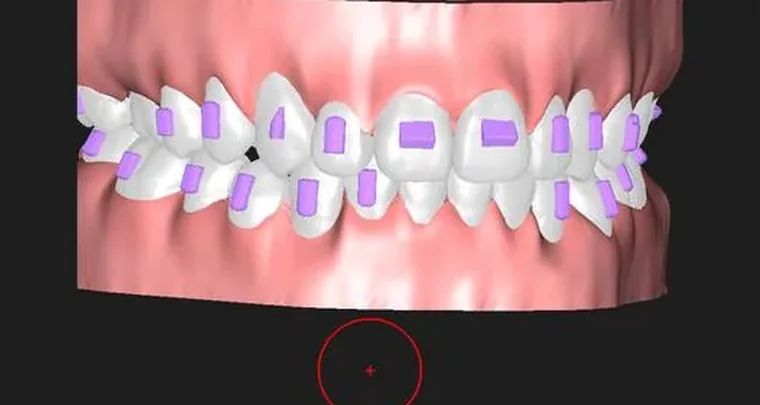
OrthoPlus Quick Start Guide
An aligner case start to finish: thirteen steps from two scans to printable arch models or direct-print aligner files, with every control named as it appears on screen.
Open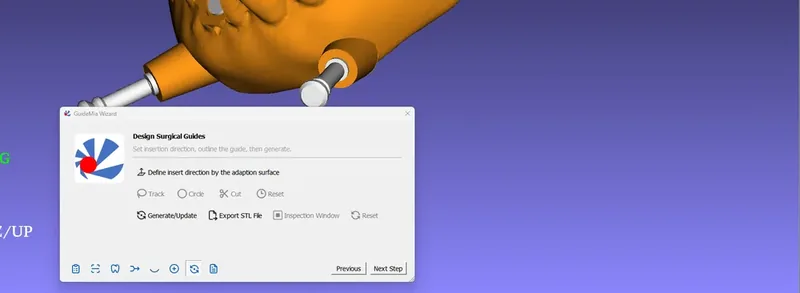
Implant Master Quick Start Guide
An implant case start to finish: a full arch and a single unit, from a folder of DICOM files to an exported surgical guide and a drilling report, with the scanning protocols and accuracy fundamentals behind them.
Open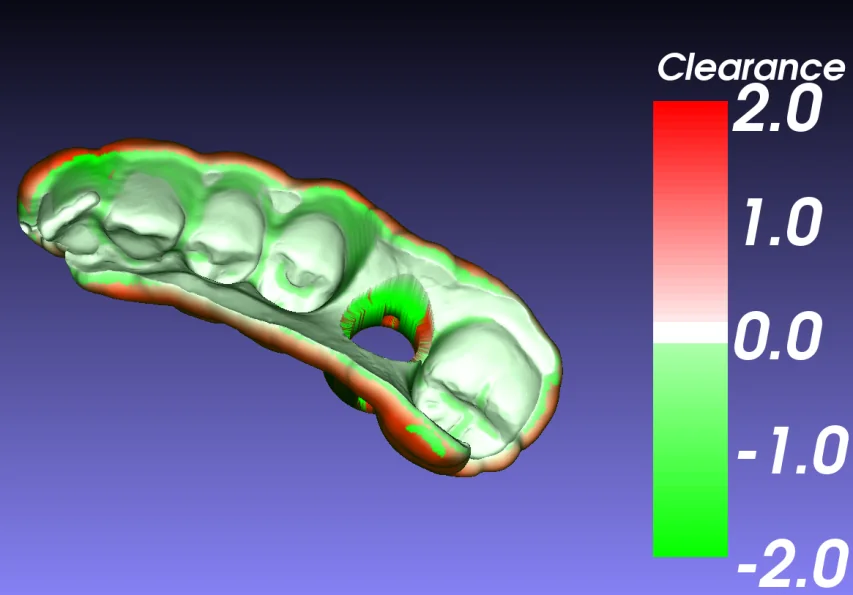
Surgical guide accuracy
The long-form article on precision control in guided implantology: where the error comes from, what the dental implant software does about it, and the one question the field has not answered.
Open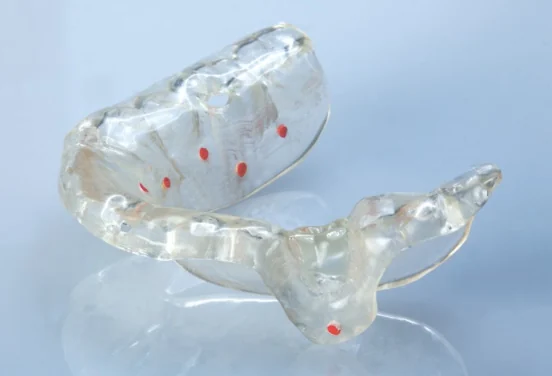
Scanning protocols
What to capture and how to send it, for implant cases and for orthodontic ones. Five implant protocols with CBCT parameters and the radiographic-guide checklist, and the orthodontic protocol that does not need a CBCT.
Open
Sample treatment plans
The reports GuideMia writes at the end of a case, for a single unit and for a full arch. The drilling instructions are the part the surgery reads.
Open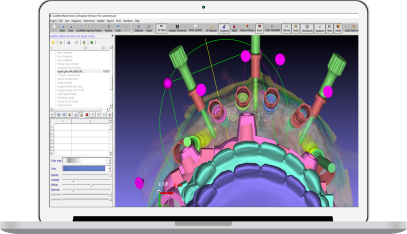
Training
Tutorial videos and recorded customer cases, and 2-hour one-to-one sessions with a senior GuideMia clinician.
OpenCookbooks
Field-tested playbooks for clinics, labs and solo technicians building a real service on GuideMia software.
OpenBlog
Notes on dental implant software, clear aligner software and the workflows that connect a clinic to a lab.
OpenWhat the library covers
The Implant Master Quick Start Guide follows two real cases through GuideMia dental implant software: a single unit in thirteen steps, from a folder of DICOM files to an exported surgical guide, a fit analysis and a drilling report, then a full arch in five more, with a radiographic guide, a virtual tissue model and anchor pins. Two reference pages cover the set-up tasks that hold for every case: adding an implant system to the library and defining a surgical kit of your own.
The OrthoPlus Quick Start Guide follows one aligner case through GuideMia clear aligner software in thirteen steps: two scans in, the occlusion plane, tooth segmentation, the automatic setup, movement planning with IPR, staging, attachments, and printable arch models or direct-print aligner files out. The same software also designs bracket bonding guides; its category page is orthodontic software.
Every chapter is a page of its own, names each control as it appears on screen, and links to the step before and after it. Each guide is also published as one printable page and as a PDF.